From approved print to completed job.
Once the workspace hands off a reviewed drawing, the job enters estimating, quote lifecycle, production execution, and inventory tracking — all inside the same system.
Jobs and quotes in one queue.
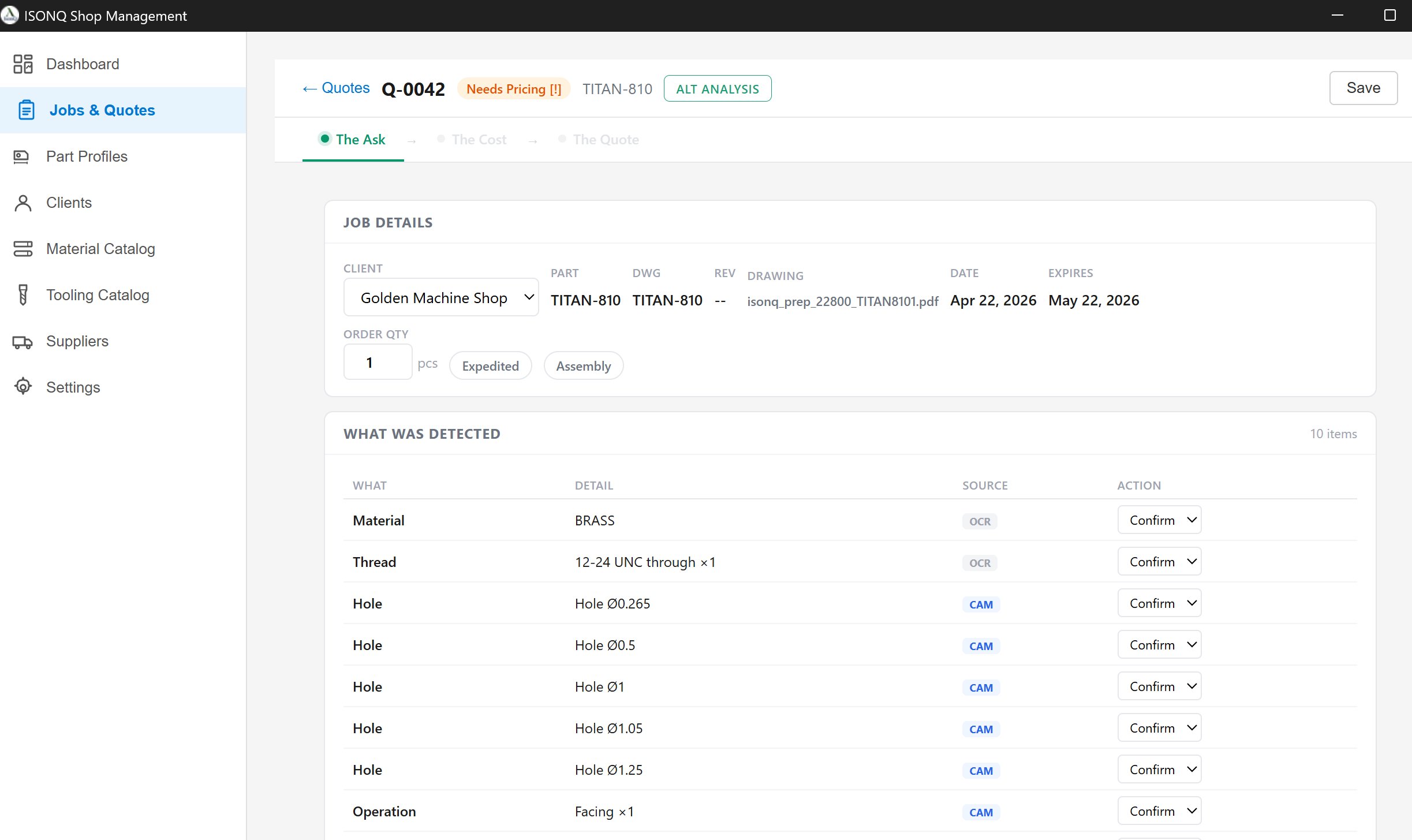
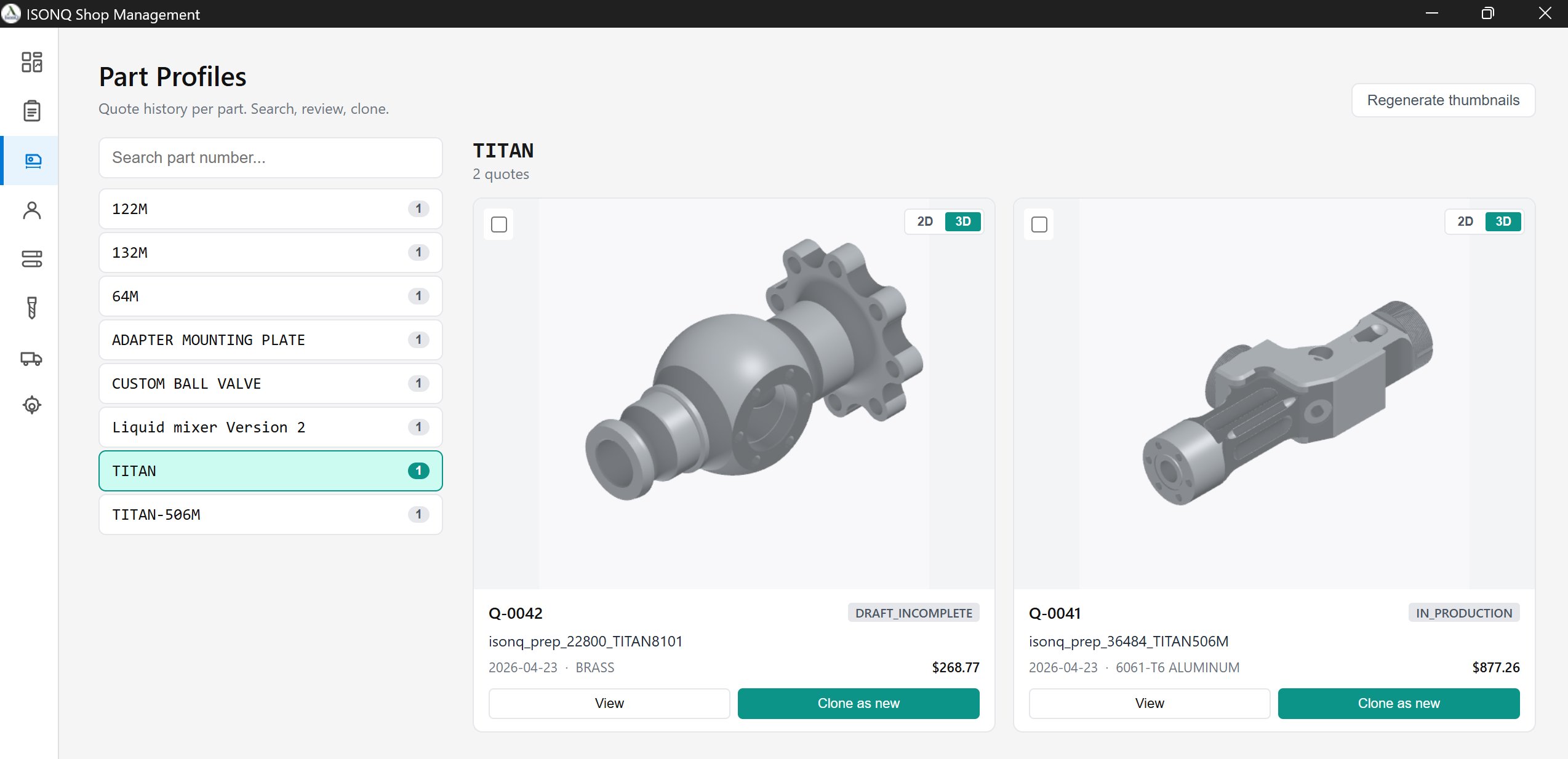
Handoff from the workspace creates a draft. Each job moves through a controlled lifecycle without switching to a separate tracking system.
Ranked jobs with $/hr, margin, deadline pressure, inventory readiness, and lifecycle status. Only awarded jobs become selectable on the production dashboard.

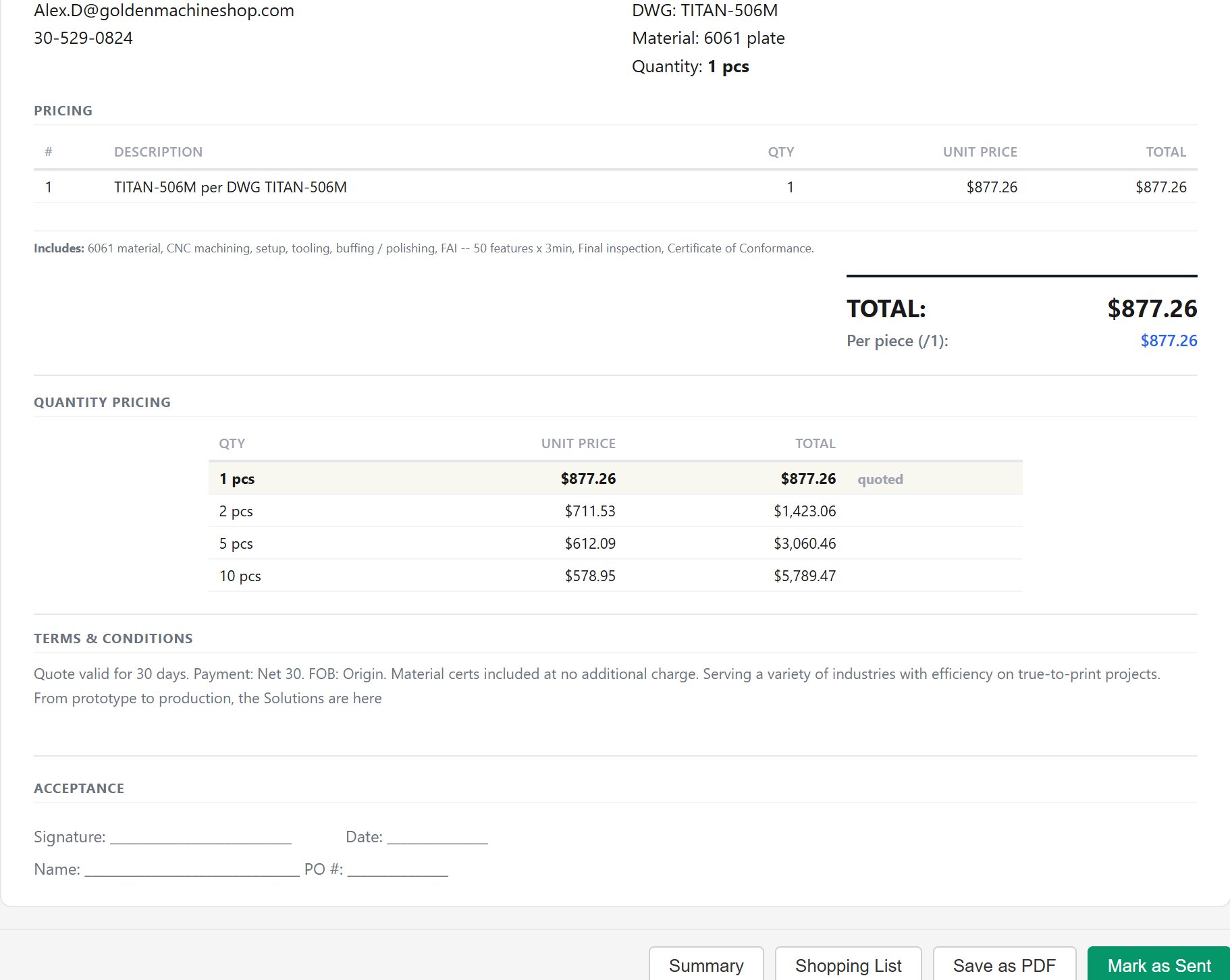
Machine time, tooling consumption, coolant, cost vs quote, timeline projection, and margin are computed from the actual job build. The system warns when the quoted price results in a loss.

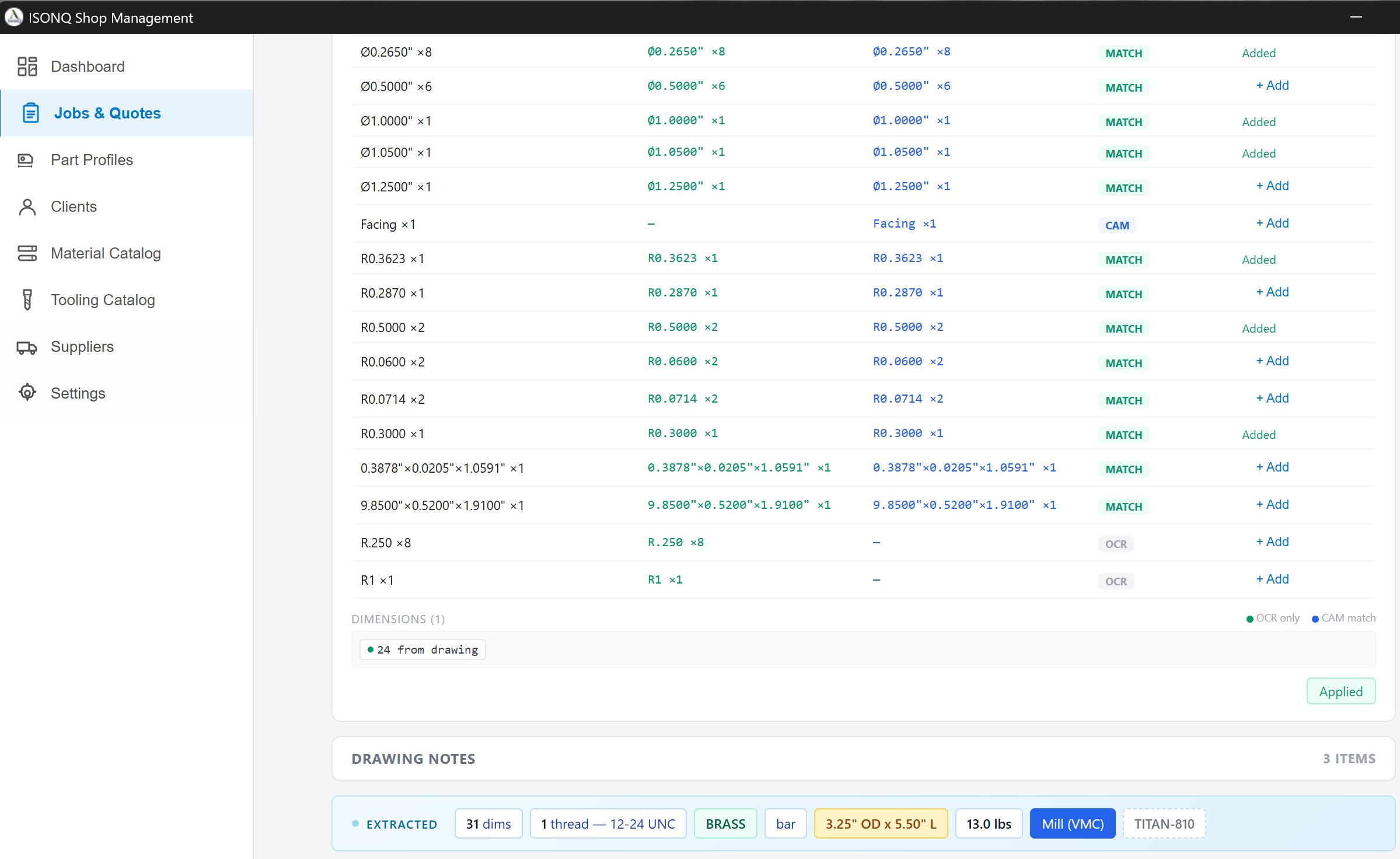
Tooling, outside services, quality and inspection are defined alongside material, setup, and labor. Shop rates and catalog references feed the same screen.

Run accepted work on the floor.
When the customer accepts a quote, the job becomes assignable to a machine. Each machine card tracks execution state, remaining time, tooling consumption, material alerts, and the next job in queue.

Inventory driven by real job demand.
Material and tooling stock levels are tracked against queued and active jobs. Shortages and minimum-stock violations are surfaced so the shop sees supply risk before a machine sits idle.
Material stock with demand from queued jobs, on-hand quantities, minimum thresholds, and order signals. CSV import and export for bulk updates.

Tooling inventory with type, diameter, on-hand, minimum quantity, location, and demand from active jobs.

Everything feeds the same system.
Catalogs, rates, and shop configuration live inside the same environment that drives the quote and the floor. Data is maintained by the shop through direct entry and CSV updates.
Steel, stainless, aluminum grades with form, cost per unit, supplier, on-hand, minimum, and lead time. Drives material selection in the estimate builder.

Inserts, boring bars, reamers, countersinks, chamfer mills, and more. ISO codes, suppliers, pricing, on-hand, and minimum quantities.

Machine maintenance, shop supplies, waste and disposal, utilities, work schedule, and tool life by material. These feed the overhead calculation and timeline estimates.

From workspace handoff through estimating, quoting, production execution, and job completion — the system keeps every stage connected without a second tracking layer.